 ChartStyler
Charts that are part of your InDesign layout
ChartStyler is an Adobe InDesign plugin that builds native charts inside InDesign starting from InDesign Tables or simple CSV files, styled with your own object and paragraph styles. No pasted images, no round trips through other software.
Join the beta Read the documentation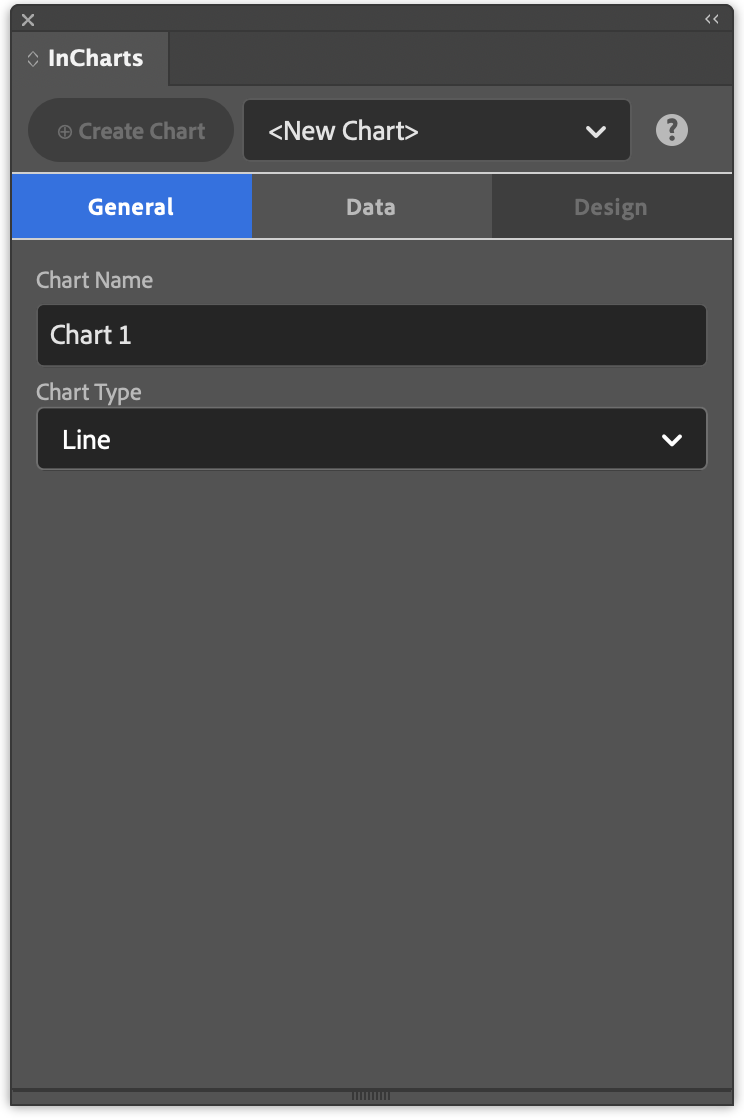
Made for print design
ChartStyler works the way InDesign works, so charts fit your document, your styles and your workflow.
Native InDesign objects
Lines, shapes and text frames you can select, adjust and export like anything else on the page.
Your styles
Charts use InDesign's object and paragraph styles, so they match the rest of the publication.
Data you can see
Data lives in an InDesign table: paste it from Excel or import a CSV, and reload the CSV when the numbers change.
Always editable
Every chart keeps its settings. Select it, change the data or the design, and update it in place.
Simple steps to a chart
- Put your data in an InDesign table Paste it in, or import a CSV file.
- Create the chart Pick a chart type and the table, set up the series and the design, and place the chart on the page.
- Design to your liking Style the chart with your own object and paragraph styles that match the rest of your InDesign document.
- Quickly update Has the data from the chart changed? Simply update the table and the chart will update automatically.
Chart types
- Line
- Bar
- Horizontal bar
- Area
- Scatter
- Pie
- Donut
ChartStyler is coming soon
We're testing ChartStyler with InDesign users before the release on the Adobe Marketplace. Join the beta program to try it early and help shape it.
Join the beta