Data
The Data tab connects the chart to its data and tells ChartStyler how to read it. It has two sub-tabs:
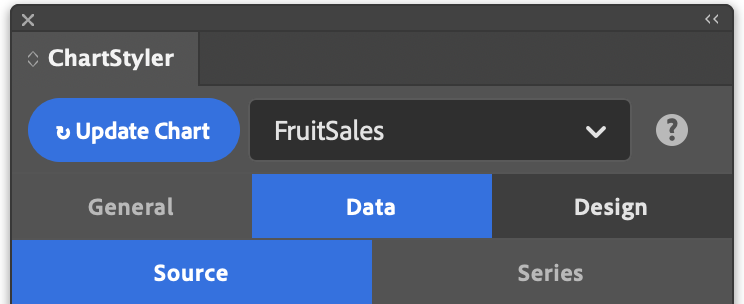
- Source: select the table or CSV file that holds the chart data, or add a new one.
- Series: describe how the data is arranged, reorder series, set number handling, and group data points.