Design
The Design tab controls how the chart is drawn in InDesign: where it is placed and what it looks like. It is available once a data source is selected on the Data tab.
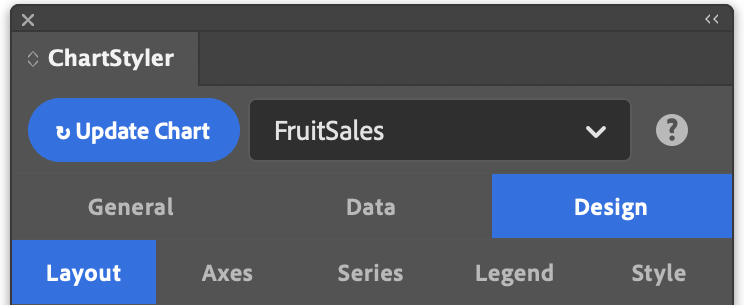
It has six sub-tabs:
- Layout: placement, size, margins, background, and bar and pie options.
- Axes: axis titles, grid lines, axis range, and tick labels. Not shown for Pie and Donut charts.
- Series: line, fill, marker and area styling per series.
- Legend: whether and where the legend is shown.
- Style: the InDesign style groups the chart uses.
- Palette: the colours assigned to series and slices.